Magic milk
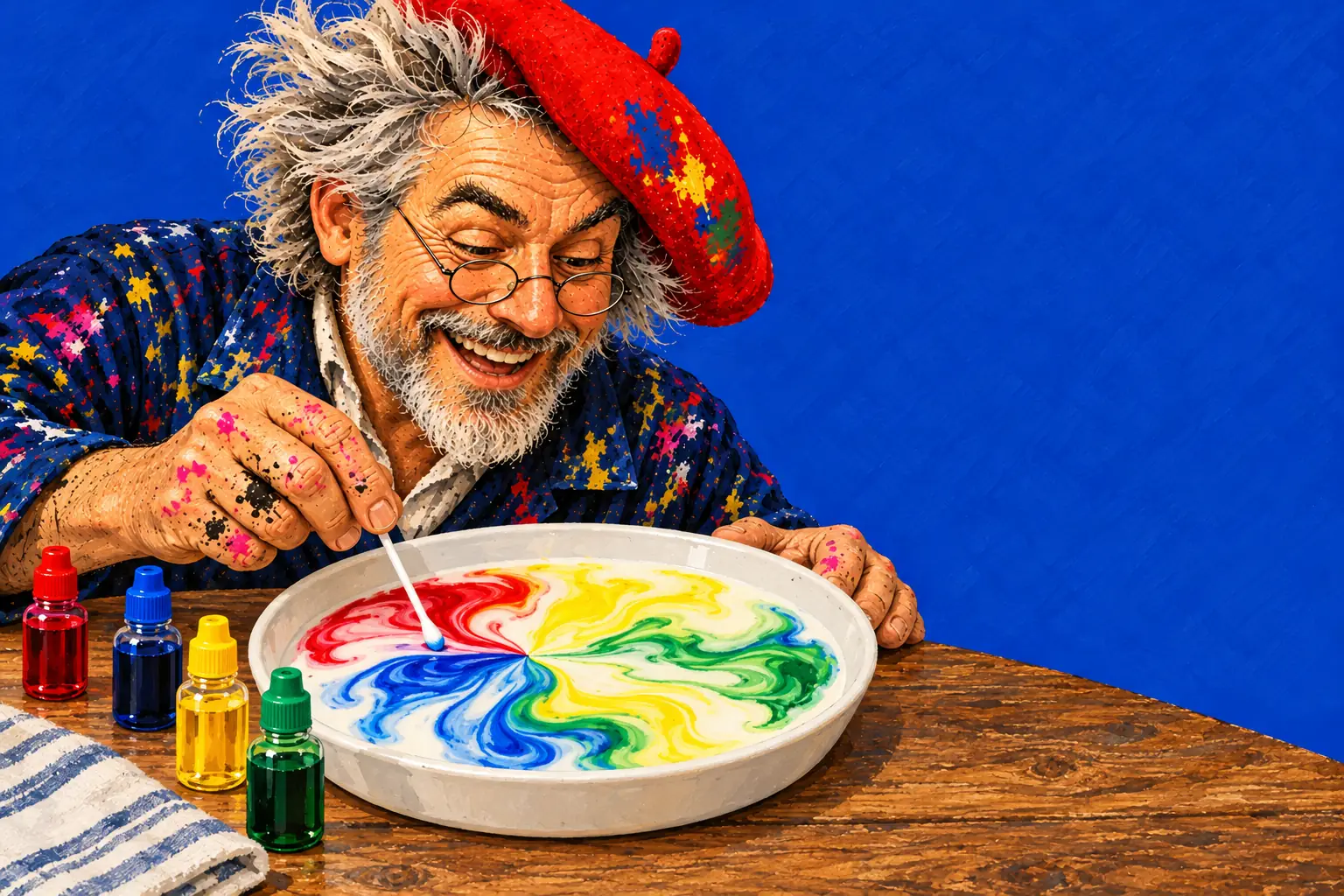
Pour milk, drip food colouring, touch it with dish soap. Predict: will the colours mix, sink or run away?
Game Tailors
Source: Interactive whiteboard science for the classroom
The drawing app where the paper is real. No ads, no accounts, no data collected.
Game Tailors · Schieweg 15Y-40, 2627 AN Delft (NL)
KvK 92437702 · VAT NL866044474B01
info@gametailors.com · +31 6 4227 5919
© 2026 Game Tailors
For teachers
Open play.extremedrawing.com in your interactive whiteboard's browser, go full screen, and the class can watch milk swirl, paint freeze and mould grow in three days. Nothing to install, no pupil accounts. Then use it the same way every time: predict, try, explain.
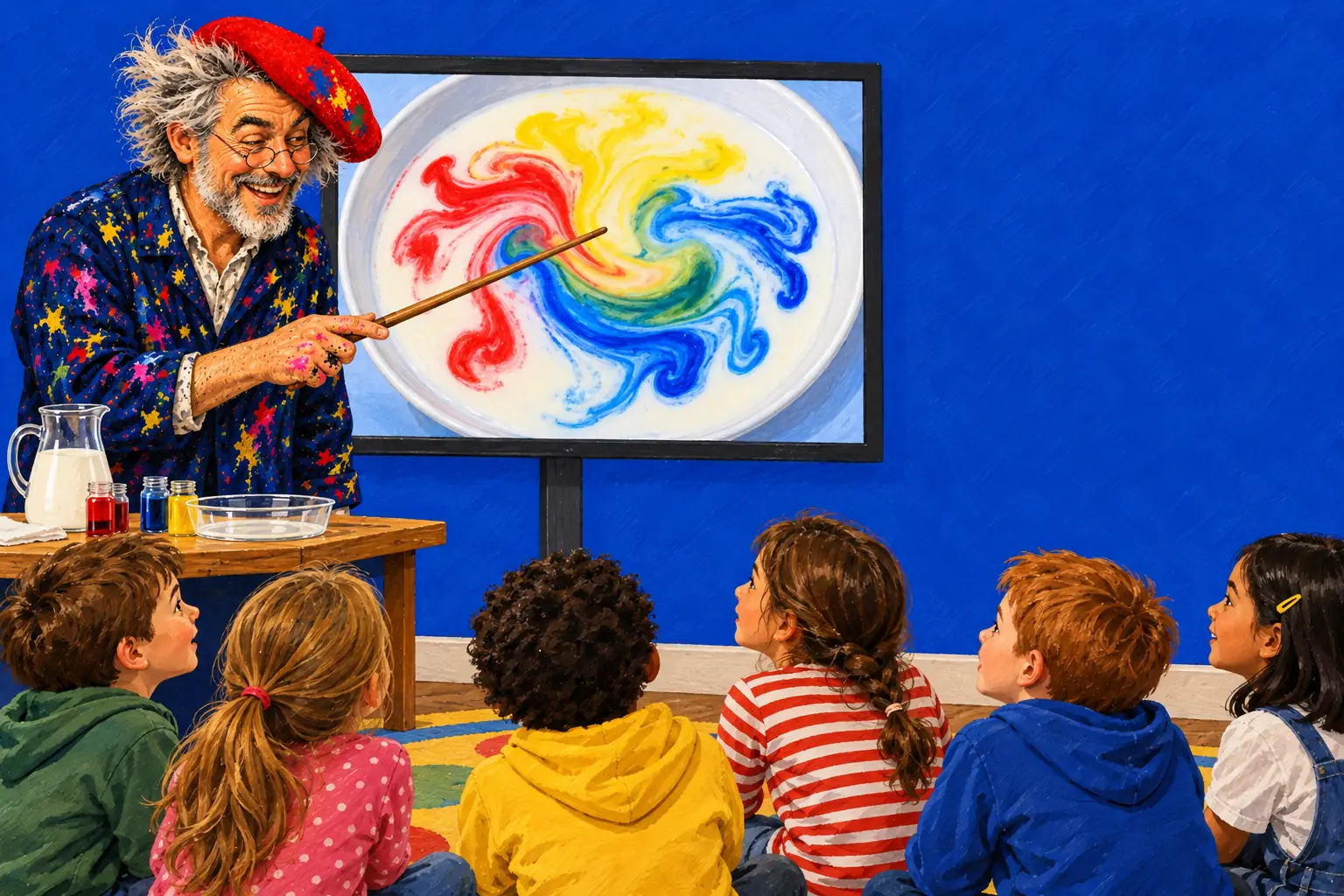
The game needs 3D graphics in the browser (WebGL 2) and a browser from 2022 or later. If the board's own built-in browser is older, the game says so in a friendly message; plug in a laptop instead and use its browser.
The game runs in 28 languages. The address above opens it in English; the grown-ups' area has a language setting.
Go to play.extremedrawing.com/?lang=en on the board. Bookmark it for next time.
Use the browser's full-screen mode so the paper fills the board.
Tap For grown-ups and solve the easy sum. There you can turn the sound down or off (music can be switched off separately from the sound effects) and choose where the toolbar sits.
Take a new sheet from the Paper panel by the paper. The last class's page is kept in that browser, so it can wait for next time.
Objective: pupils make a prediction, test it, and explain what they saw using what they know. The routine works for any experiment in the app, and takes 5 to 15 minutes on the board before the real thing.
1 minute
Put the materials on the paper, but don't do the thing yet: the milk and the colour drops, or the food before the time skip.
2 minutes
Every pupil commits: thumbs up or down, a mini-whiteboard sketch, or a vote. What will happen when…?
2 minutes
A pupil comes up and does it. Let the class watch in silence for a moment, then describe what they see.
5 minutes
Why did it happen? Use the explanation on the experiment's page, then do the real version where it's safe, or explain why it stays on the screen.
Pour milk, drip food colouring, touch it with dish soap. Predict: will the colours mix, sink or run away?
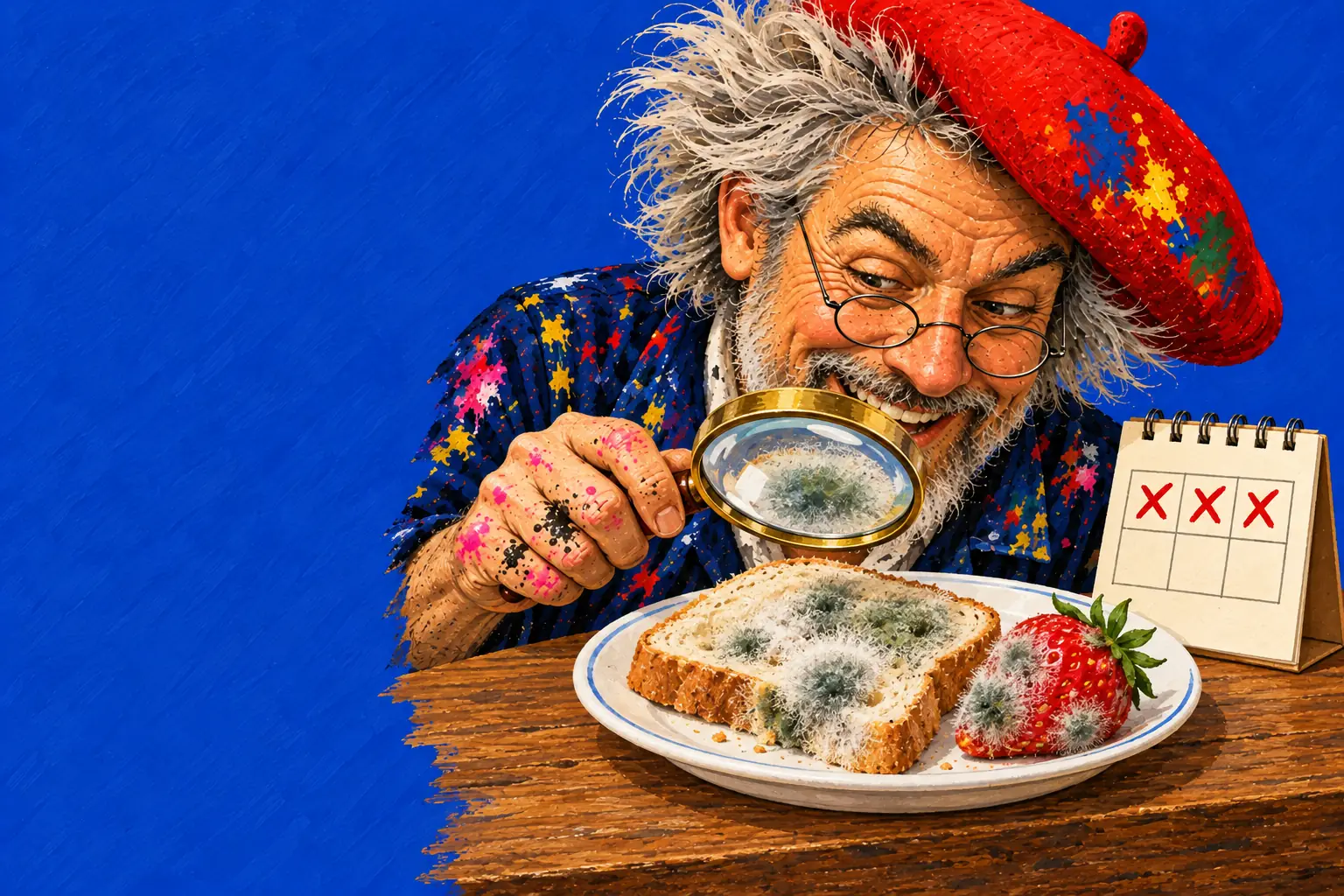
Two blobs of ice cream, salt on one, then Wait 3 days. Predict: which grows more mould?
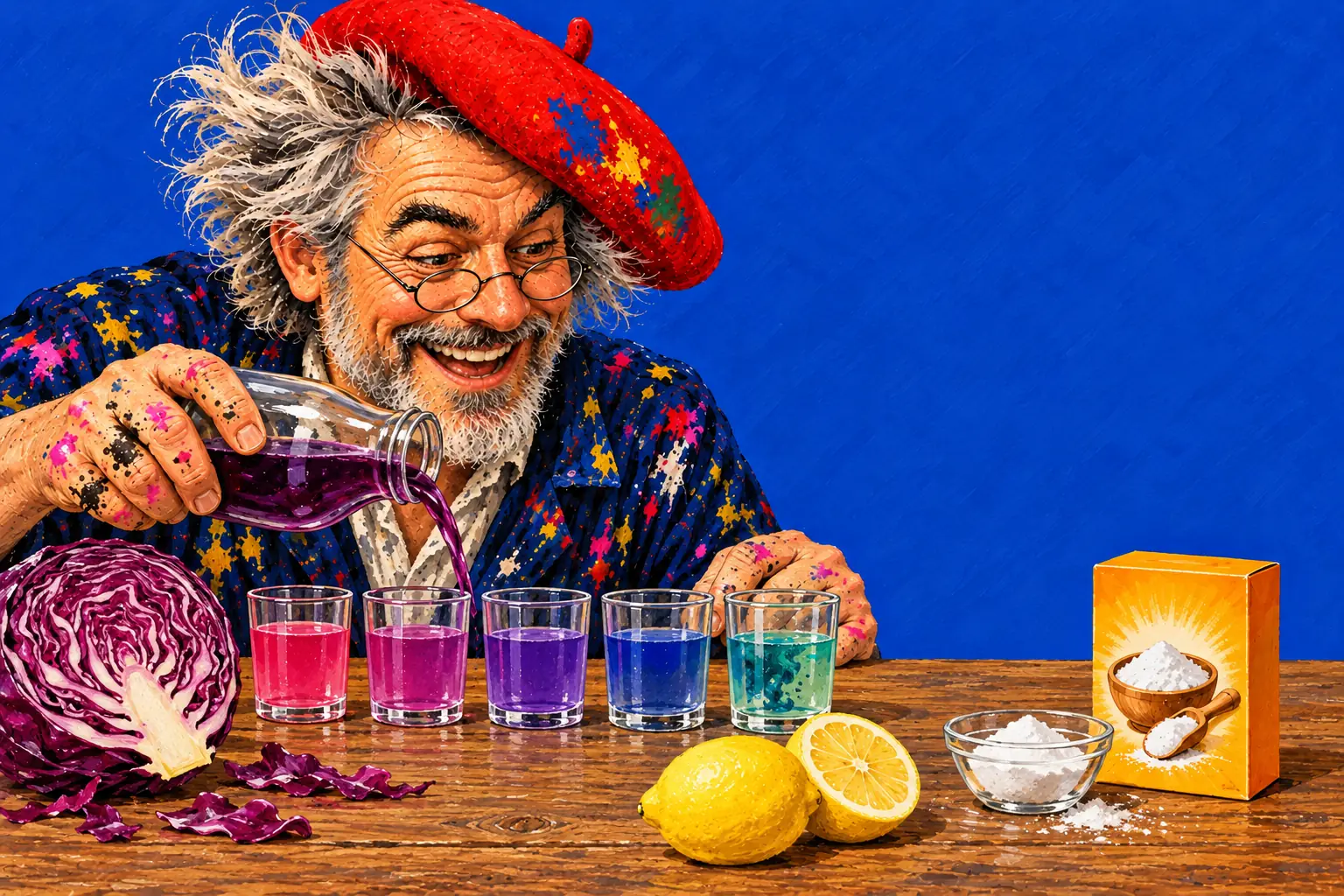
Dip the page in red cabbage juice, then paint with vinegar and with dish soap. Predict the colours.
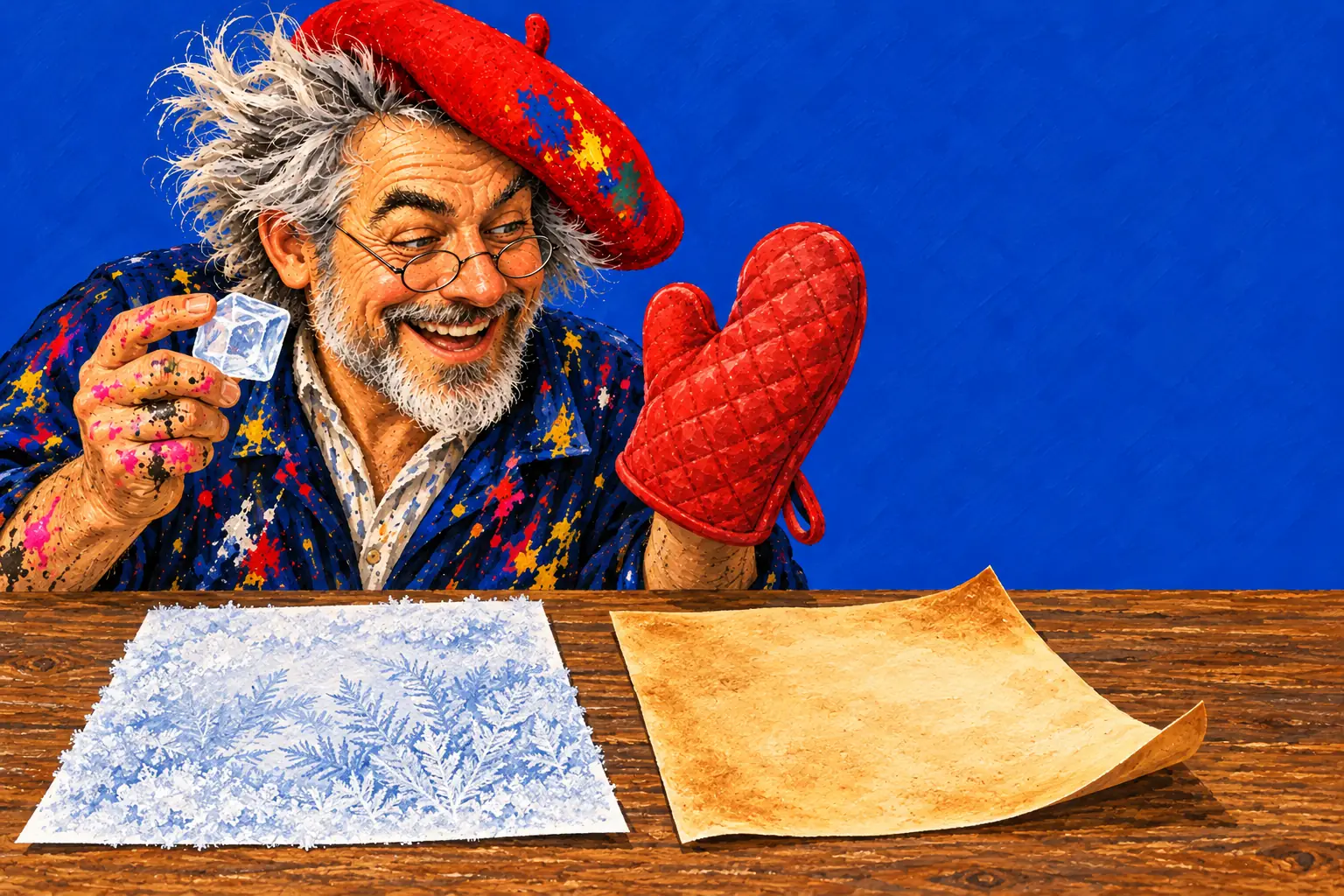
Wet paint, Put in the freezer, then the Hammer. Predict: splash or shatter?
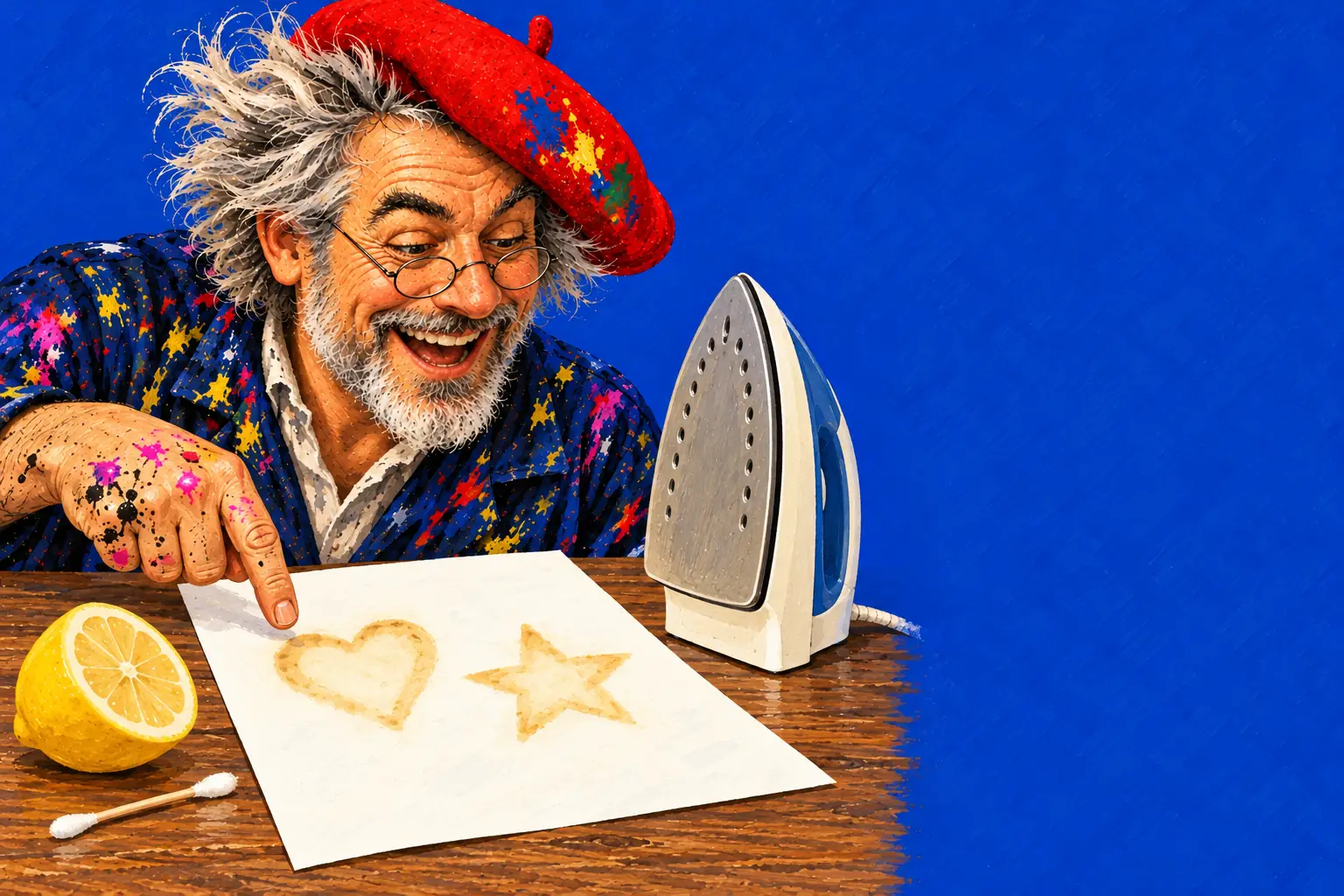
Write with Secret ink (lemon juice), let it dry invisible, then run the Iron over it. Predict: what will appear?
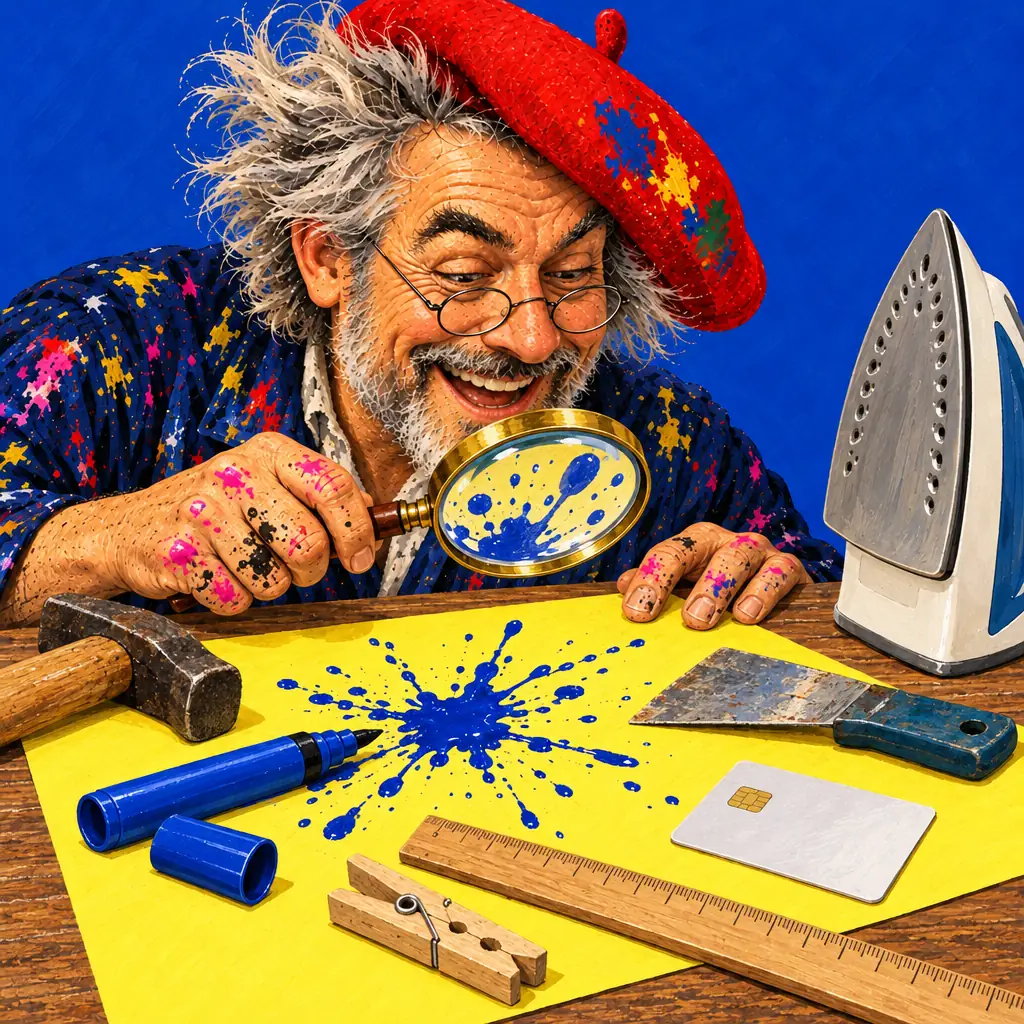
Paint a stripe of water, then light the paper with Fire on one side. Predict: does the fire cross the wet line? On screen only.
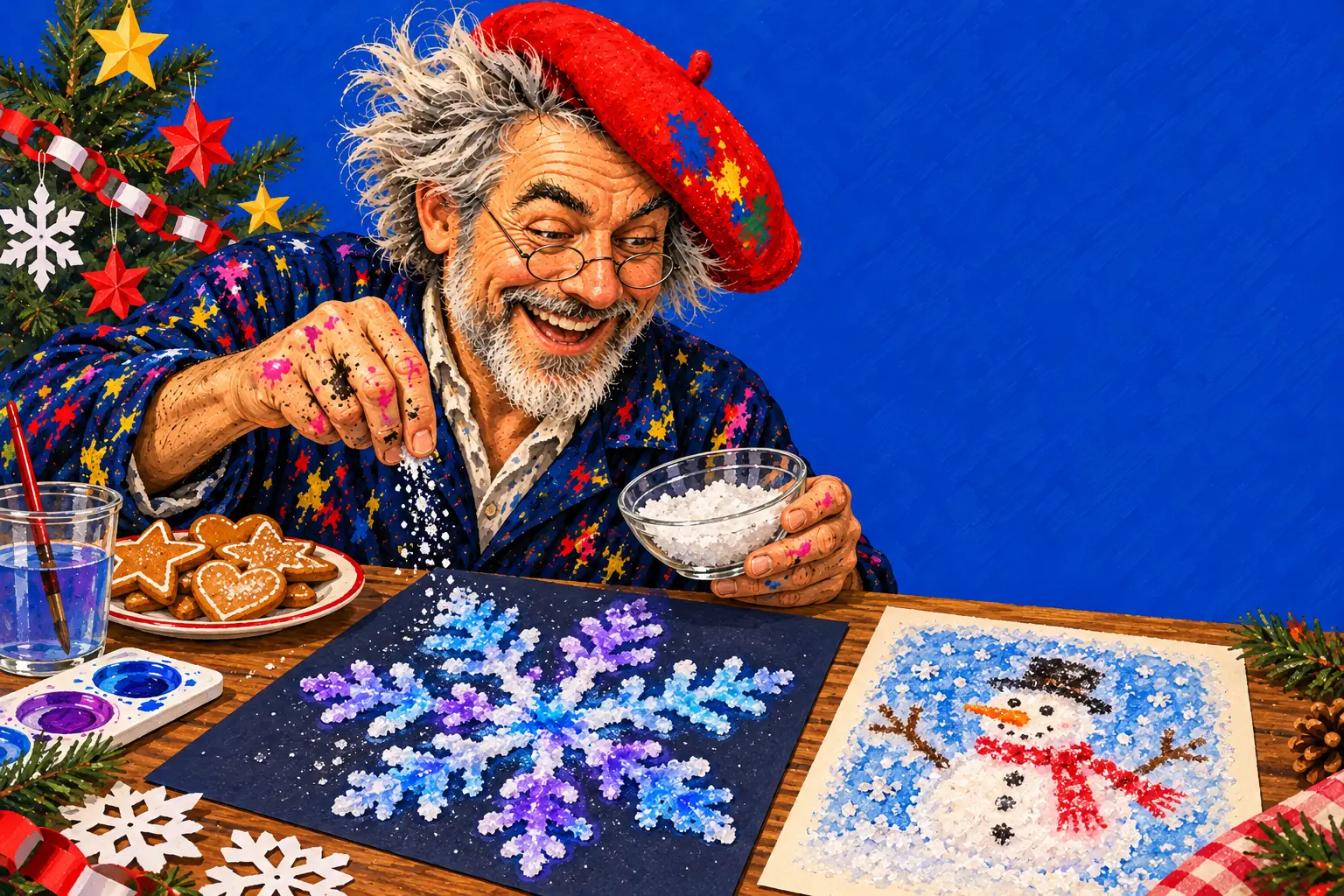
Christmas. Draw a snowflake in glue with Glue & glitter, sprinkle salt from the Sieve and touch it with watercolour: the colour races along the salt. Paint a snowman in wet watercolour and put it in the freezer: feathery ice-crystal ferns grow through the wet paint and stay after it thaws. Then bake real bread from flour, water and yeast.
Sinterklaas. Write a secret message from Sint in lemon-juice Secret ink and let a pupil reveal it with the iron. Draw a big initial, melt a chocolate bar over it with the iron, and then ask: what happens to chocolate left out for three days?
Two pupils at once. If your board takes several touches at the same time, several fingers can draw at once without getting in each other's way, so two pupils can work side by side. They both use the tool that is picked; choose it together first.
Vocabulary to put up: predict, observe, compare, evidence, and the words of the topic (melt, freeze, acid, mould…).
Support: pupils predict with a thumbs up or down and describe what they see in one word.
Core: pupils predict in a sentence (I think… because…) and say whether they were right.
Stretch: pupils change one thing and predict again: a slice of fruit instead of ice cream on the mould test, or water instead of milk in the real magic milk.
It needs a browser from 2022 or later with WebGL 2. Many boards have one built in; if yours is older, the game shows a message, and a laptop connected to the board works instead.
The browser version needs a connection to open. The iPhone, iPad and Android apps work offline, which suits class tablets.
Yes. Keep a page in My drawings in that browser, or save it as a picture: in the browser it downloads as a large image you can print or show again.
Yes, for watching and taking turns: the splats, the oven and the freezer need no reading. Keep the predicting to a thumbs up or down.
Freezer against oven, then melting chocolate for real.
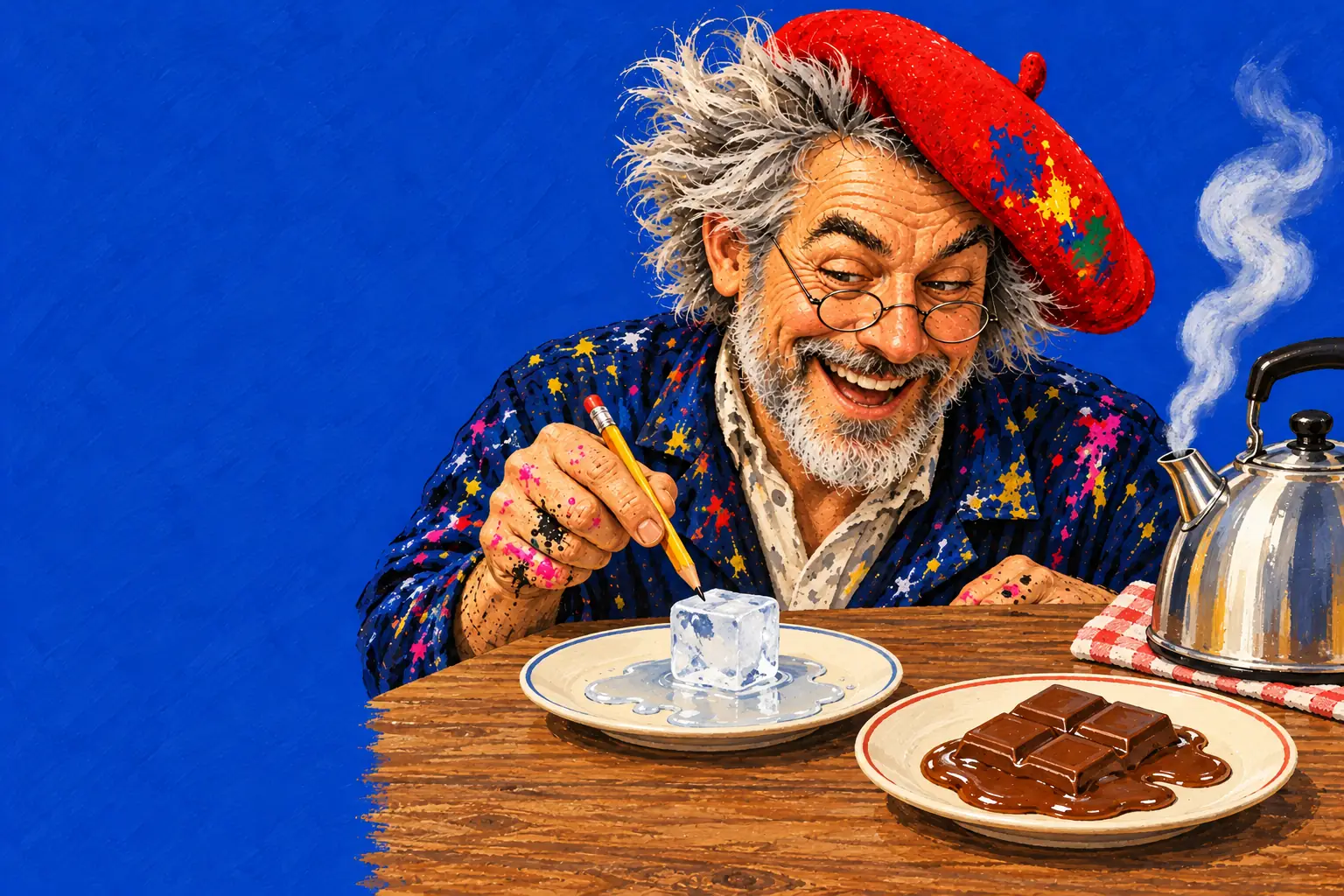
Freeze, melt and steam on the board, then an ice-cube race.
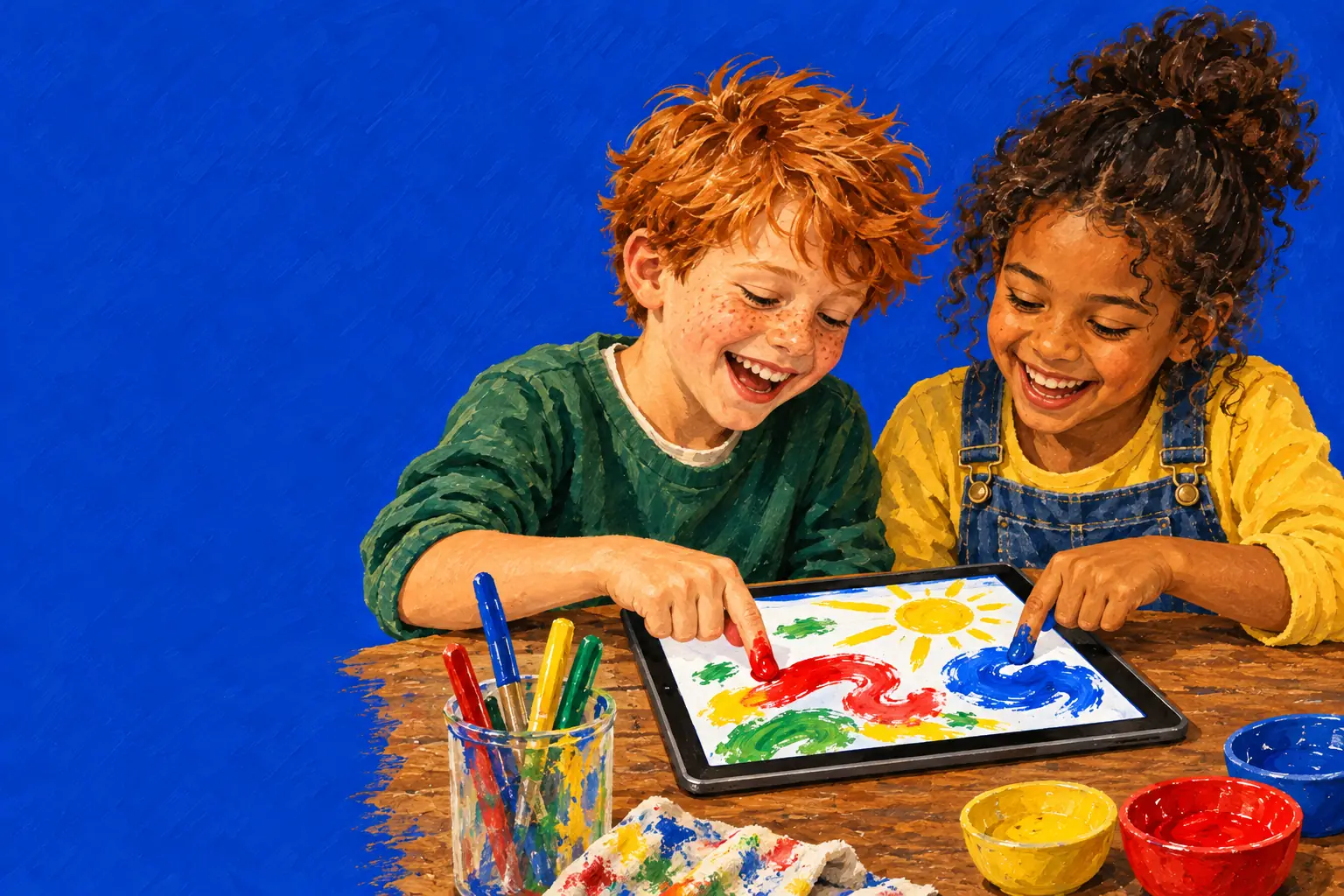
Making instead of consuming, with no accounts or data.